Nicasa
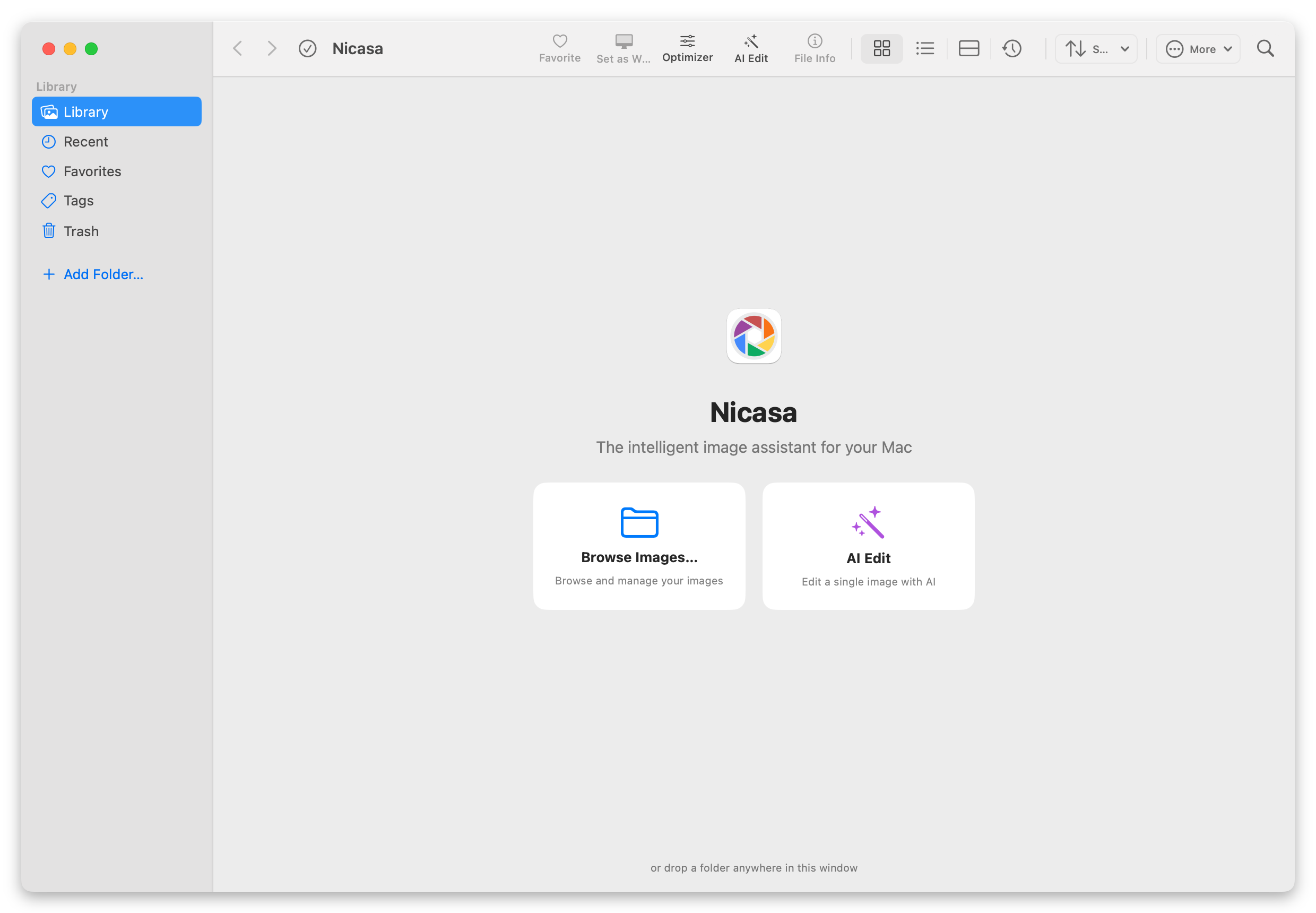
See every image, instantly.
A native macOS app and Chrome extension built for fast, focused image browsing. Mac app requires purchase, Chrome extension is free.



Powerful Features
Everything you need for instant image viewing

Instant Image Viewing
Open any image in milliseconds. No loading screens, no waiting. Just the image.
See how it works

AI Image Enhancement
Sharpen, upscale, or denoise images using on-device processing. No cloud required.
Learn more
Screenshot & Capture
Capture full pages, selections, or individual elements with pixel precision.
Learn more
Distraction-Free Interface
A clean, minimal UI that keeps your focus entirely on the images.
About Nicasa
Fast Performance
Built on native macOS APIs for smooth, low-latency performance on Apple Silicon.
About NicasaLoved by Users
Real feedback from our community
Nicasa has transformed how I browse images online. It's incredibly fast and intuitive.
The AI enhancement features are a game-changer. No more blurry images!
As a developer, I love the distraction-free interface. Pure focus on the content.
Frequently Asked Questions
Quick answers to common questions
Is Nicasa free?
Does it work on all websites?
Is my data uploaded anywhere?
Does it support offline viewing?
Which macOS versions are supported?
What permissions does the Chrome extension need?
Ready to Experience Instant Image Viewing?
Join thousands of users who have discovered a better way to browse images.